jeden.day – habit tracker
A habit tracker without an account
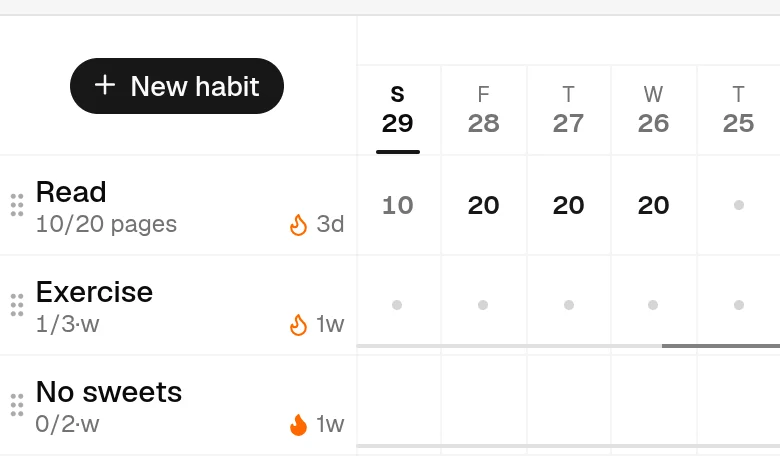
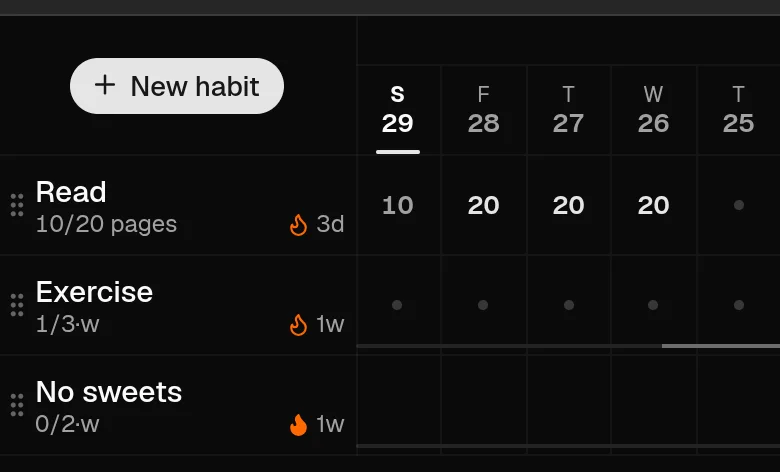
Most habit trackers ask for an account before they show you anything. jeden.day opens on the grid itself: three sample habits you can change or delete, and a New habit button. Everything you record stays in your browser until you choose otherwise.
What you get without signing up
The whole tracker. Boolean habits (did I do it?) and measurable ones (how much?), every schedule — daily, three times a week, selected weekdays, every few days, days of the month, a weekly or monthly total — limits as well as goals, streaks that follow the schedule you chose, the year view, and the same grid on a phone or a desktop. Guest mode is not a demo with the interesting parts locked; it is the app.
Where the data lives
In this browser, on this device, in its local storage (IndexedDB). Nothing you record as a guest is sent to the server — there is no row for you there — and nothing about you is collected. The site keeps only aggregate counters such as page views per day, with no identifiers behind them; the privacy policy spells that out.
The honest flip side: a browser-only record is only as durable as the browser. Clearing site data, a private window closing, or a different browser on the same laptop means a different, empty grid. An account exists for that case, not as a gate.
When an account helps, and what it costs
Sign in when you want the same habits on a second device, or a copy you can download. Signing in is passwordless: an emailed link or code, and after that a passkey if you add one. There is no password to invent and nothing to remember.
Signing in never moves your guest data by itself. If you have changed the samples or added habits of your own, the app asks whether to add that record to the account; you can say yes, later, or discard it. Your habits stay yours either way: the account menu downloads everything as one file, and deleting the account deletes the data with it.
Why no account by default
A habit tracker is something you should be able to try for a week before you trust it with anything, and an address is something. Asking for it first also puts a signup form between you and the one thing that makes a tracker work: marking today. So the grid comes first, and the account is offered where it becomes useful.
Questions
Is anything uploaded while I use it as a guest?
No. Guest habits and entries stay in your browser's local storage. The server sees ordinary page requests, counted only as anonymous daily totals.
Can I use it on my phone and my laptop without an account?
Each browser keeps its own guest record, so the two would not see each other. Syncing between devices is what the account is for; you can add your existing guest habits to it when you sign in.
Do I have to install anything?
No. It is a web page. On a phone you can add it to the home screen so it opens like an app, but that is optional.
Does it cost anything?
jeden.day is currently free to use. Paid features may be added in the future.
Try it now
The grid works in your browser without an account. Sign in later if you want it on a second device.
Open jeden.day