jeden.day – habit tracker
A habit tracker that is a web page
Some of the best habit trackers exist only for one platform, and switching phones means starting over. jeden.day is a web app: it runs in the browser you already have, on iPhone, Android, Linux, Mac and Windows, and an account carries the same grid to all of them.
One grid, every screen
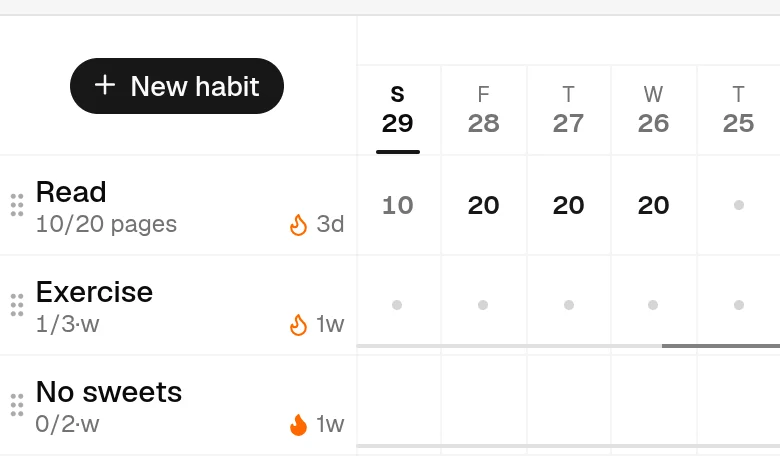
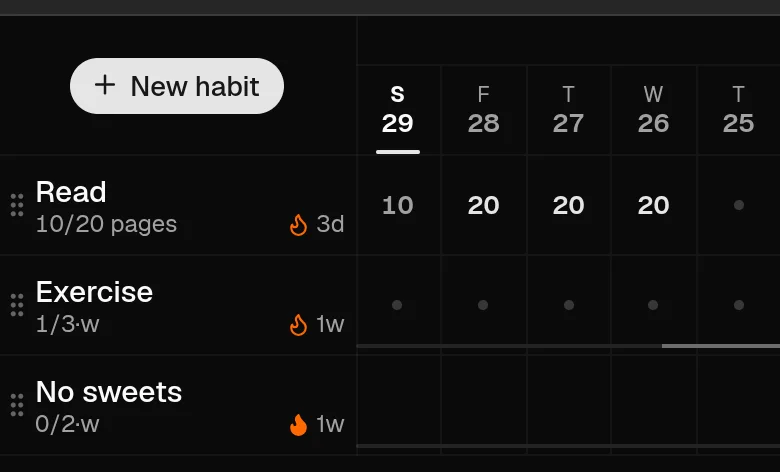
The grid is built for the phone first: five days beside the habit names at 390 pixels wide — seven with the Compact grid toggle — one tap per day. On a laptop the same grid shows a month or more, scrolls sideways through a whole year of history, and takes the keyboard — arrow keys move between days, one key jumps to the grid. Nothing is a cut-down version of something else.
Install it if you like
Add it to the home screen from the browser's share or menu button and it opens full-screen like an app, with its own icon. That is optional. There is no download, no update to approve, and no app store account between you and it. A new version is simply the next time you open the page.
Sync when you want it
Without an account the grid lives in the one browser you use it in. Sign in — an emailed link or code, then a passkey if you add one — and the same habits appear on every device you sign in on. Marking a day on your phone shows on the laptop the next time it loads. See passwordless sign-in.
What a web app does not do
It does not send reminders or notifications, it has no home-screen widget, and it does not work offline: marking a day needs a connection, and there is no background sync. If a nudge at 9 pm is what keeps a habit alive for you, a native app will serve you better there. jeden.day is the record you open, not the one that opens itself.
Questions
Which browsers work?
Any current one: Safari on iPhone and Mac, Chrome, Firefox, Edge. Passkeys need a browser and device that support them, which all current ones do.
Is there an iOS or Android app?
No. The web app is the app. Added to the home screen it opens full-screen; what it lacks against a native app is notifications, widgets and offline use.
Does it work on a tablet or a large monitor?
Yes. The grid shows as many days as the width allows, and a year view draws each habit as a contributions-style calendar.
Is it dark-mode friendly?
Yes. It follows your system setting and has its own toggle.
Try it now
The grid works in your browser without an account. Sign in later if you want it on a second device.
Open jeden.day